 Jason Peterson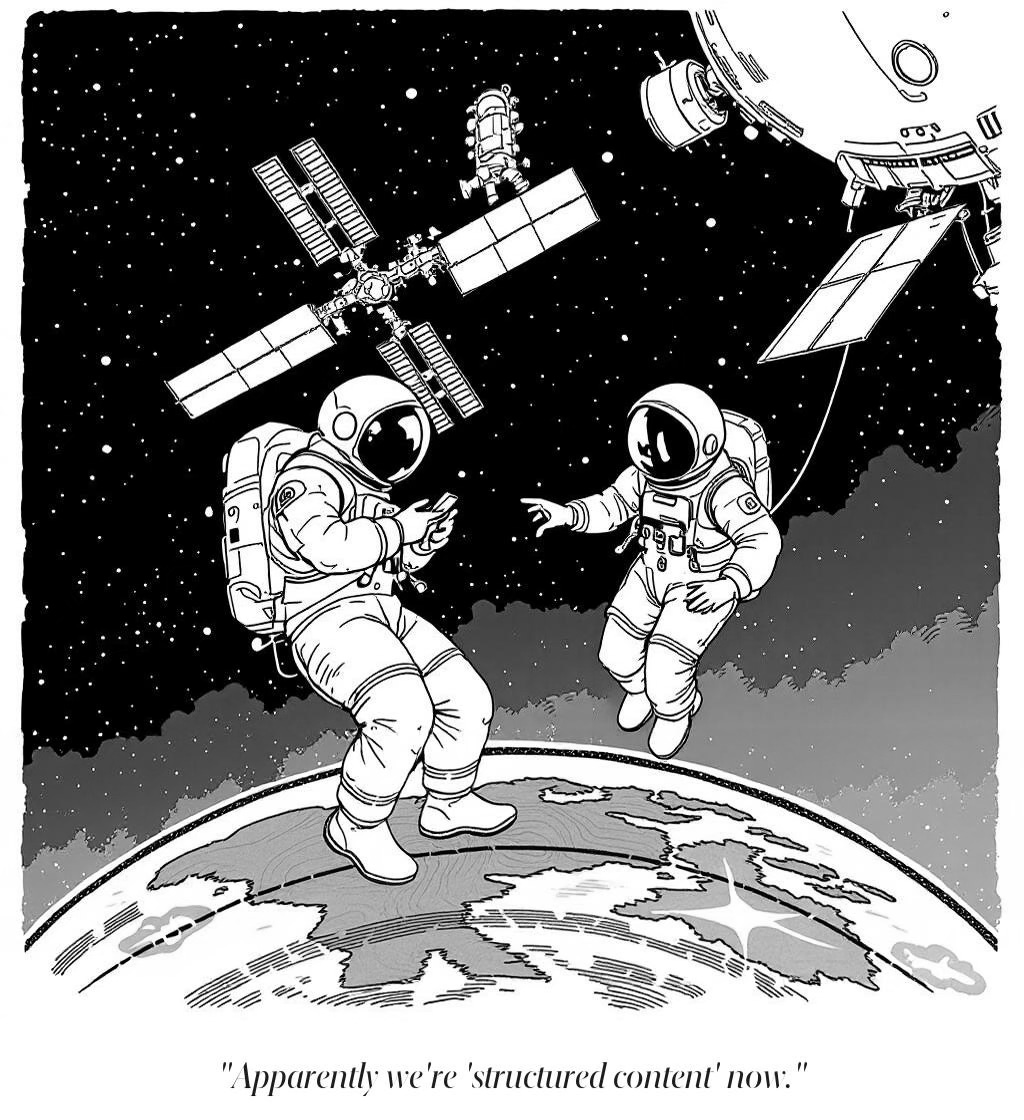
I typed “where is the ISS right now?” into Claude Code. It didn’t search the web. It didn’t guess. It called a satellite tracking API, got the live coordinates, and told me the station was over the southern Indian Ocean, moving at 27,600 km/h, 421 km up.
Real data. Not a cached answer, not a hallucination. The actual position of a 420-ton laboratory circling the planet at Mach 22.
That’s an MCP server. I set it up in about ten minutes, it cost nothing, and I didn’t write the code myself.
What MCP Is (Without the Jargon)
MCP stands for Model Context Protocol. Forget the name. Here’s what it does.
Your AI is smart but uninformed. It can reason, write, analyze, argue. But it’s working from memory — training data that has a cutoff date and doesn’t include anything live. A brilliant colleague who never checks email.
MCP gives the AI tools. Not metaphorical tools. Literal functions it can call. “Check this API.” “Look up this database.” “Read this file.” When you ask a question the AI can’t answer from memory, it picks up the phone and calls the right source.
Could it just search the web? Sure. Claude already does that. But web search is wandering through a library hoping you find the right shelf. MCP is handing someone the right book, open to the right page. You decide the sources. You get structured, reliable data back, not whatever Google turns up.
The ISS example is deliberately simple: one API, one question, one answer. The pattern is the point.
Set It Up
If you followed the AI Starter Kit, you have Claude Code running inside VS Code. First, make a folder wherever you keep projects or experiments. Call it my-first-mcp or whatever you like. Then open Claude Code from inside that folder, either through the VS Code terminal or the VS Code extension.
Once you’re in, say this (and you can literally say it — voice input works with this hack):
Clone the repo at github.com/JasonMakes801/iss-mcp-simple. Set up a Python virtual environment, install the dependencies, and configure it as an MCP server so I can use it. Test that it works.
Then watch.
Claude Code will run some commands and report back. You’ll see things scroll by: “creating virtual environment,” “installing packages,” “updating config.” It might install Python if you don’t have a recent enough version. It figures out your operating system and does the right thing.
Here’s what just happened, in plain English:
It cloned a repo. A repo is just a folder of code hosted online. Claude Code downloaded it to your computer. Inside is one small file: a 25-line Python script that knows how to ask a satellite tracking service where the ISS is.
It created a virtual environment. A sandbox. A little container that keeps this project’s software separate from everything else on your computer. Nothing spills out, nothing conflicts.
It installed one package. The MCP library, which lets this script talk to Claude. One command, a few seconds.
It configured itself. Claude Code updated its own settings so it knows the ISS tracker tool exists and how to call it.
Four steps, all handled. That’s the kind of setup developers do by hand all day. Claude Code just did it from a few sentences.
Now close Claude Code and reopen it, as Claude Code will likely instruct you to do. It needs to restart to pick up the new tool.
It took my instance of Claude Code less than a minute and a half to set it all up. I used Opus 4.6, but Sonnet 4.6 will nail this too for less spend.
Test It
Ask Claude Code:
Where is the ISS right now?
Claude sees it has a tool called where_is_iss. It calls it. The server hits the satellite tracking API, gets the live position, and hands back the data. Claude reads it and answers:
The ISS is currently at:
- Latitude: -38.52° (South)
- Longitude: -157.48° (West)
- Altitude: 440 km
- Velocity: 27,517 km/h
- Visibility: Eclipsed (in Earth’s shadow)
That puts it over the South Pacific Ocean, roughly between New Zealand and Antarctica.
Those numbers are live. I asked again two minutes later and the station was over Turkey. It orbits every 90 minutes, so the answer is never the same twice.
Try some follow-ups:
- “Is it over land or water?”
- “How fast is the ISS moving in miles per hour?”
- “How high is that compared to a commercial airplane?”
Claude isn’t memorizing answers. Each time, it calls the tool, gets fresh data, and reasons about what comes back. The tool fetches. Claude thinks.
What Just Happened
You connected an AI to a live data source. The server is a bridge: Claude doesn’t know orbital mechanics, but it knows it has a tool that talks to something that does.
The tool returns raw numbers:
latitude: 38.21

longitude: 23.73

altitude: 419 km

velocity: 27,583 km/h

visibility: daylight
Claude turns that into a readable answer. No map, no visual, just coordinates and context. You’re taking Claude’s word for it that 38°N 23°E is Greece. (It is. I checked.)
COST

────────────────────────────

ISS tracking API:    free

MCP Python library:  free

Claude Code setup:   ~10 min

Lines of code:       25

Lines you wrote:     0
Now think about where your information actually lives. Your email. Your calendar. Your to-do app. Your notes. Your client records. All in separate silos, all behind different logins, none of them talking to each other.
MCP can bridge every one of those. Same pattern: one tool per data source, but now the data is yours. An AI that pulls up your last three emails from a client, checks your calendar, and cross-references your project notes before a meeting. That’s where this is headed.
We’ll get there. This is one tool, one API, proof that the wiring works. The space station is the training exercise.
What’s Coming
Right now the ISS tracker returns coordinates and Claude interprets them. Useful, but it’s just text.
In the follow-up, we add a visual interface. Same data, but when you ask where the station is, you get a live map rendered inside the conversation. Not a link. An actual interactive map, right there in the chat.
Same tool. Completely different experience. Read it here.
Glossary
MCP (Model Context Protocol): A standard that lets AI assistants call external tools and data sources. A universal plug between your AI and the real world.
API (Application Programming Interface): A way for software to request data from a service. When the ISS tracker “calls an API,” it’s sending a request to a satellite tracking server and getting coordinates back.
Repo (Repository): A folder of code hosted online, usually on GitHub. Cloning a repo means downloading a copy to your computer.
Python: A programming language. You didn’t have to learn it, but it’s what the ISS tracker is written in. Claude Code handles the Python parts.
Virtual Environment: A sandbox for a Python project. Keeps the project’s software isolated from everything else on your computer so nothing conflicts. Claude Code creates and manages this automatically.
Claude Code: A tool that lets Claude write and run code directly on your computer. This is what set up everything in this article. If you don’t have it yet, the AI Starter Kit covers setup.